
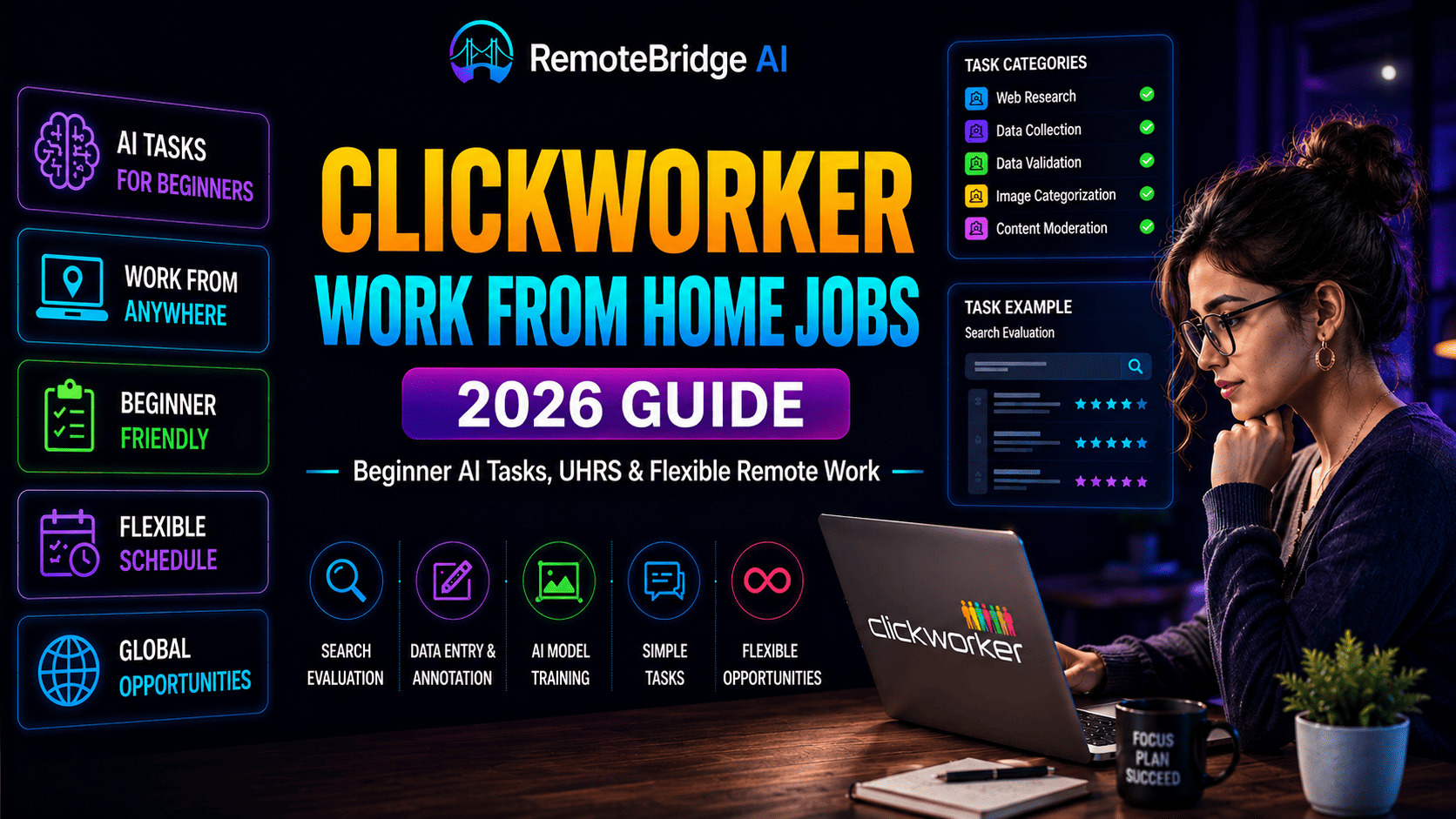
🚀 Clickworker Work From Home Jobs (2026 Guide) – Beginner AI Tasks, UHRS, Pay & Remote Income
Last Updated: June 2026
📌 Introduction
Many beginners search for flexible online jobs that require no experience. One of the most popular platforms in the AI microtask industry is Clickworker.
Clickworker offers simple work-from-home tasks that help companies improve artificial intelligence systems, search engines, and digital products.
In this complete guide, you’ll learn:
- how Clickworker works
- available job types
- UHRS opportunities
- realistic earnings
- payment methods
- beginner tips
- pros and cons
- best alternatives
- how to increase income
If you are looking for beginner-friendly AI remote jobs in 2026, this guide explains everything you need to know.
⚡ Quick Answer
Yes, Clickworker is a legitimate global crowdsourcing platform where users can earn money by completing:
- AI data labeling
- UHRS microtasks
- writing jobs
- categorization work
- surveys
- app testing
Most beginners earn part-time side income, while experienced workers may access higher-paying AI projects.
📌 What is Clickworker?
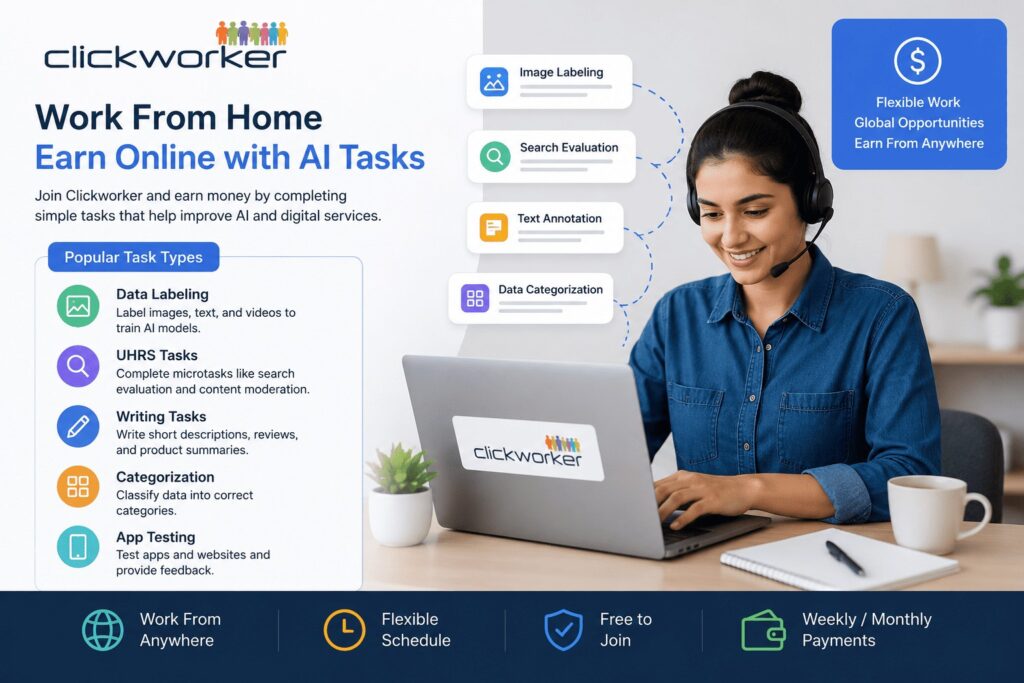
Clickworker is a crowdsourcing platform that offers small online tasks. These tasks help companies train artificial intelligence systems and improve digital services.
Workers can complete tasks like:
- writing
- categorization
- data labeling
- surveys
- AI training tasks
- app testing
The platform is beginner-friendly and does not require advanced skills.
🌍 Why Clickworker Became Popular in 2026
The growth of artificial intelligence has increased demand for human training data.
Companies now require millions of:
- labeled images
- search evaluations
- AI moderation tasks
- language verification tasks
- chatbot testing projects
This has made AI microtask platforms increasingly popular worldwide.
Clickworker remains one of the most beginner-accessible platforms because:
- registration is free
- work is flexible
- tasks are remote
- beginners can start quickly
- mobile tasks are available
🧠 Types of Clickworker Work From Home Jobs
🧾 1. Data Labeling Jobs
You label images, text, or videos to train AI models.
Popular tasks include:
- image annotation
- object tagging
- sentiment analysis
- chatbot evaluation
- AI moderation
👉 Related guide:
AI Data Labeling Jobs
📊 2. UHRS Tasks
UHRS offers microtasks like:
- content moderation
- search evaluation
- ad relevance checking
- website categorization
UHRS often provides more consistent work opportunities.
✍️ 3. Writing Tasks
You may write:
- short descriptions
- product summaries
- metadata
- reviews
- captions
Workers with stronger English skills may access better-paying writing projects.
🔍 4. Categorization Tasks
You classify information into categories.
Examples include:
- product classification
- content categorization
- image grouping
- search intent analysis
📱 5. App Testing
You test mobile apps or websites and provide feedback about:
- bugs
- user experience
- loading issues
- functionality
Some testing projects pay significantly more than regular microtasks.
🚀 How to Apply for Clickworker Jobs
Step 1: Sign Up
Visit the Clickworker website and Click on “Sign Up” button and Create an account.
Step 2: Complete Your Profile
Add:
- language skills
- education
- work experience
- device information
A complete profile improves task access.
Step 3: Take Assessments
Some tasks require short qualification tests before approval.
Step 4: Access UHRS
You may unlock UHRS after qualification.
UHRS often contains:
- higher task volume
- better-paying microtasks
- search engine evaluation jobs
Step 5: Start Working
Begin completing available tasks and building your approval history.
💰 Clickworker Earnings
Your earnings depend on:
- task availability
- country
- typing speed
- task accuracy
- UHRS access
Average Earnings
👉 Full breakdown:
AI Data Labeling Salary Guide
Consistency is one of the biggest factors affecting long-term earnings.
🌎 Country-Wise Task Availability
Task availability may vary depending on your location.
Countries with Higher Opportunities
- United States
- United Kingdom
- Canada
- Germany
Countries with Growing Opportunities
- India
- Philippines
- Pakistan
- Kenya
- Nigeria
Some UHRS projects are region-specific.
💳 Payment Methods
Clickworker pays through:
- PayPal
- Payoneer
Payments are usually processed weekly or monthly depending on project type.
👉 Payment guide:
AI Jobs Payment Daily Weekly Monthly
✅ Requirements to Get Started
You only need:
- laptop or smartphone
- stable internet connection
- basic English skills
- attention to detail
👉 Beginner setup:
AI Data Labeling Setup Guide
🔥 Tips to Earn More on Clickworker
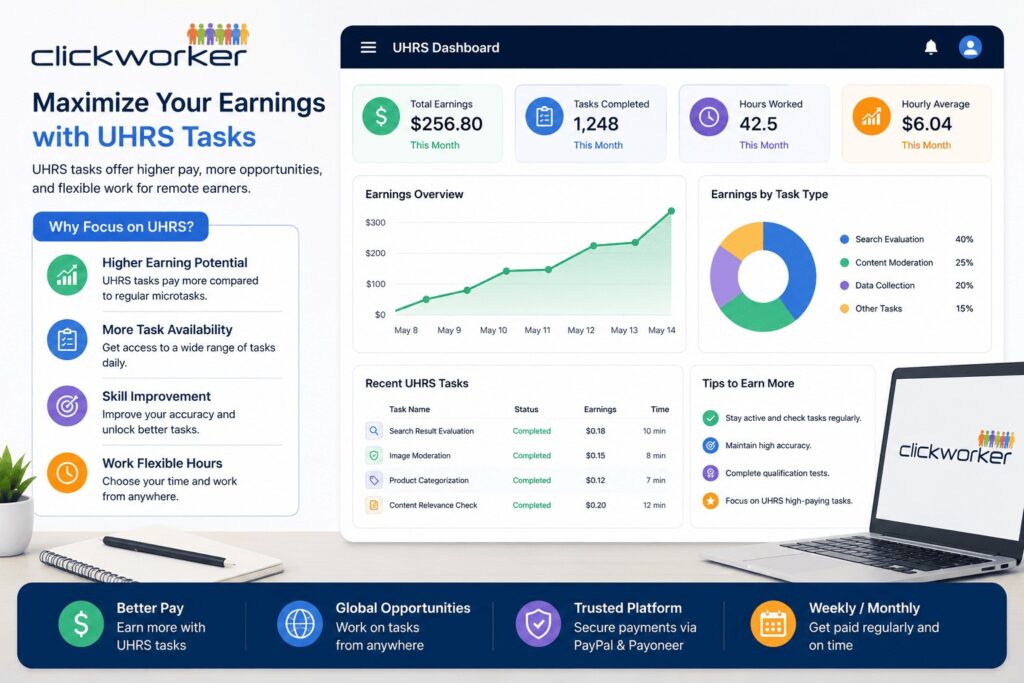
✅ Complete Tasks Accurately
Quality matters more than speed.
✅ Stay Active Daily
Workers who remain active often receive more opportunities.
✅ Focus on UHRS Tasks
UHRS usually offers:
- higher volume
- better consistency
- improved earnings
✅ Improve Typing Speed
Faster workers can complete more tasks efficiently.
✅ Avoid Rejections
Low approval rates may reduce future opportunities.
👉 Boost earnings:
Increase AI Data Labeling Earnings Fast
⚠️ Common Beginner Mistakes
Many new users reduce earnings because they:
- rush tasks
- ignore instructions
- fail qualification tests
- submit inaccurate answers
- depend on only one platform
Building long-term trust on Clickworker is extremely important.
🛡️ Is Clickworker Legit or Scam?
Clickworker is generally considered legitimate and has operated for many years.
However, realistic expectations are important.
Things to remember:
- task availability fluctuates
- earnings are not guaranteed
- some projects disappear quickly
- approval quality matters
Helpful resource:
AI Remote Jobs Legit Guide
📈 Can Clickworker Become Full-Time Income?
For most users, Clickworker works better as:
- side income
- beginner remote work
- AI experience building
- supplemental earnings
Some experienced workers combine multiple platforms to increase total income.
⚖️ Pros and Cons of Clickworker
👍 Pros
- easy to start
- beginner-friendly
- flexible schedule
- global access
- free registration
👎 Cons
- low pay for some tasks
- inconsistent task availability
- approval-based system
- requires consistency
🔗 Best Alternatives to Clickworker
You can also explore:
👉 Comparison guide:
Remotasks vs Toloka vs Clickworker vs Outlier
📚 Related AI Job Guides
Explore more beginner-friendly AI earning resources:
- AI Jobs Without Exams
- Start AI Data Labeling Jobs No Experience
- AI Job Skills for Beginners
- AI Data Labeling Job Scams
- Earn Money With Mobile AI Jobs
🌍 External Resource (Authority Link)
For broader industry insights, explore:
World Economic Forum – Future of Jobs Report
🧾 Conclusion
Clickworker work from home jobs are a simple way to start earning online in 2026.
The platform offers:
- flexible tasks
- beginner-friendly opportunities
- remote AI work
- global access
While beginner earnings may start small, consistent work quality and UHRS access can improve long-term income potential.
For users interested in AI microtask jobs, Clickworker remains one of the easiest platforms to start with.
❓ FAQs About Clickworker Work From Home Jobs
Q1. Is Clickworker legit?
Yes, Clickworker is a legitimate platform used worldwide.
Q2. Can beginners join Clickworker?
Yes, beginners can easily start without experience.
Q3. What is UHRS in Clickworker?
UHRS is a microtask platform offering small online tasks.
Q4. How much can I earn on Clickworker?
You can earn between $2 to $15 per hour depending on tasks.
Q5. Is Clickworker free to join?
Yes, registration is completely free.
Q6. How does Clickworker pay?
Payments are made via PayPal or Payoneer.
✍️ Author
RemoteBridge AI Editorial Team
RemoteBridge AI publishes detailed guides about:
- AI data labeling jobs
- AI training platforms
- microtask websites
- remote online work
- beginner AI earning opportunities